
QR code: SDS directly at the point of use
In day‑to‑day work, the first click matters. ChemTool provides safety data sheets (SDS) so that employees can open
the relevant information right where it’s needed via QR code –
no login and no installation – from any internet‑capable device (if there is connectivity).
Language‑guided access: employees see SDS in the company/user language if those versions are registered in the inventory.
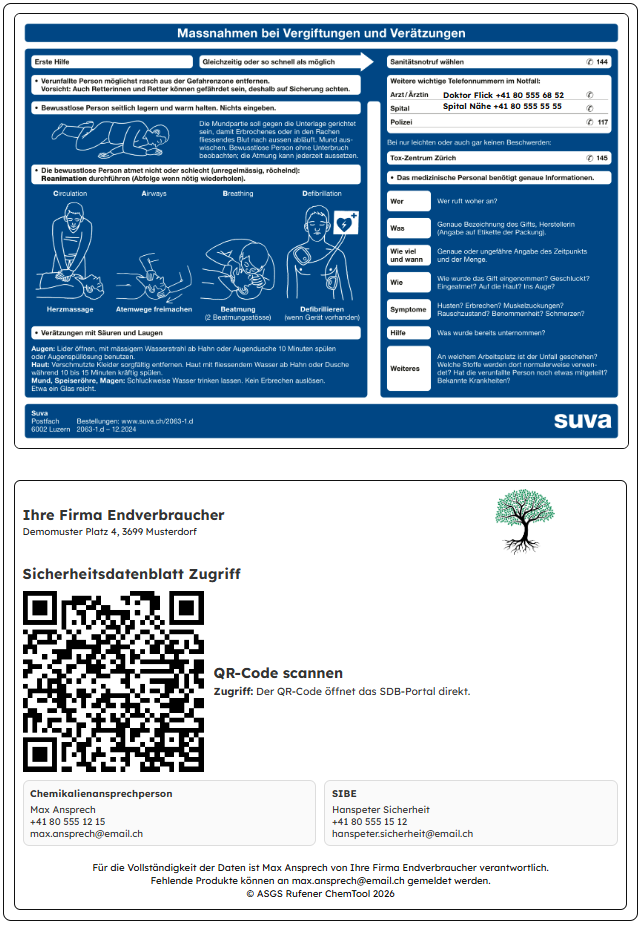
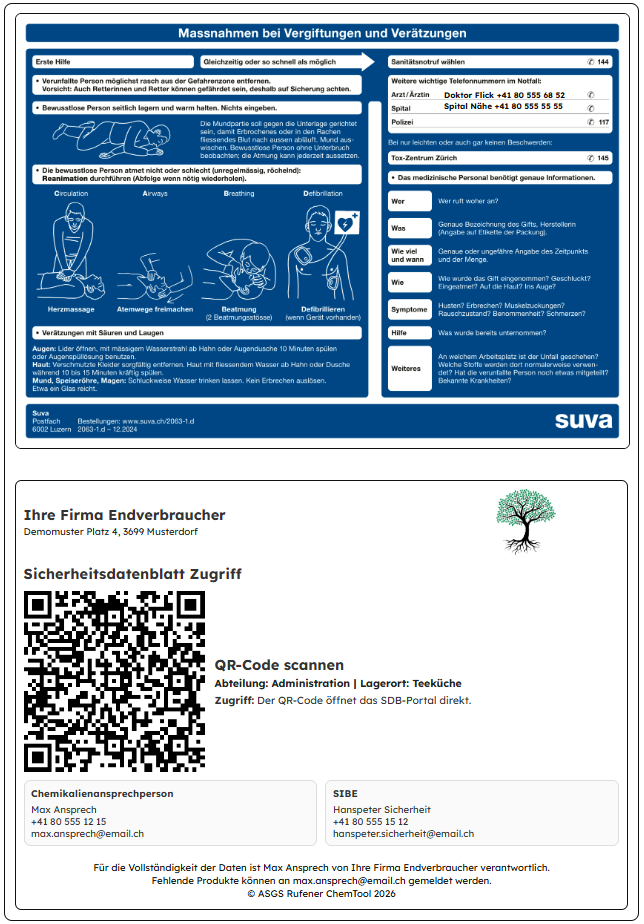
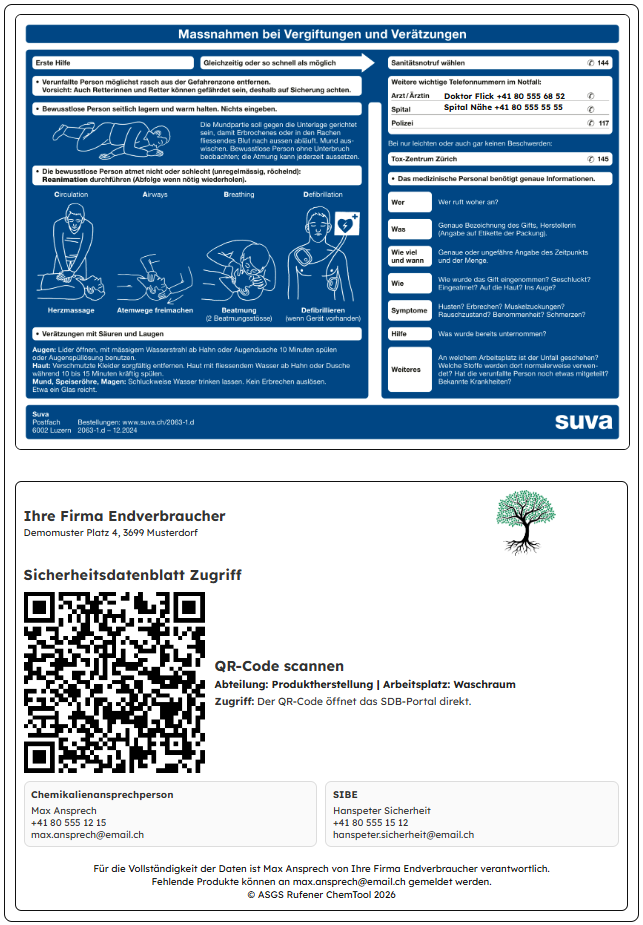
Important: the poster includes “Measures in case of poisoning and chemical burns”.
According to Suva requirements, it should be displayed where acids and alkalis are used.
Poster examples (screenshots)
Tip: use ←/→ keys when the slider is focused.
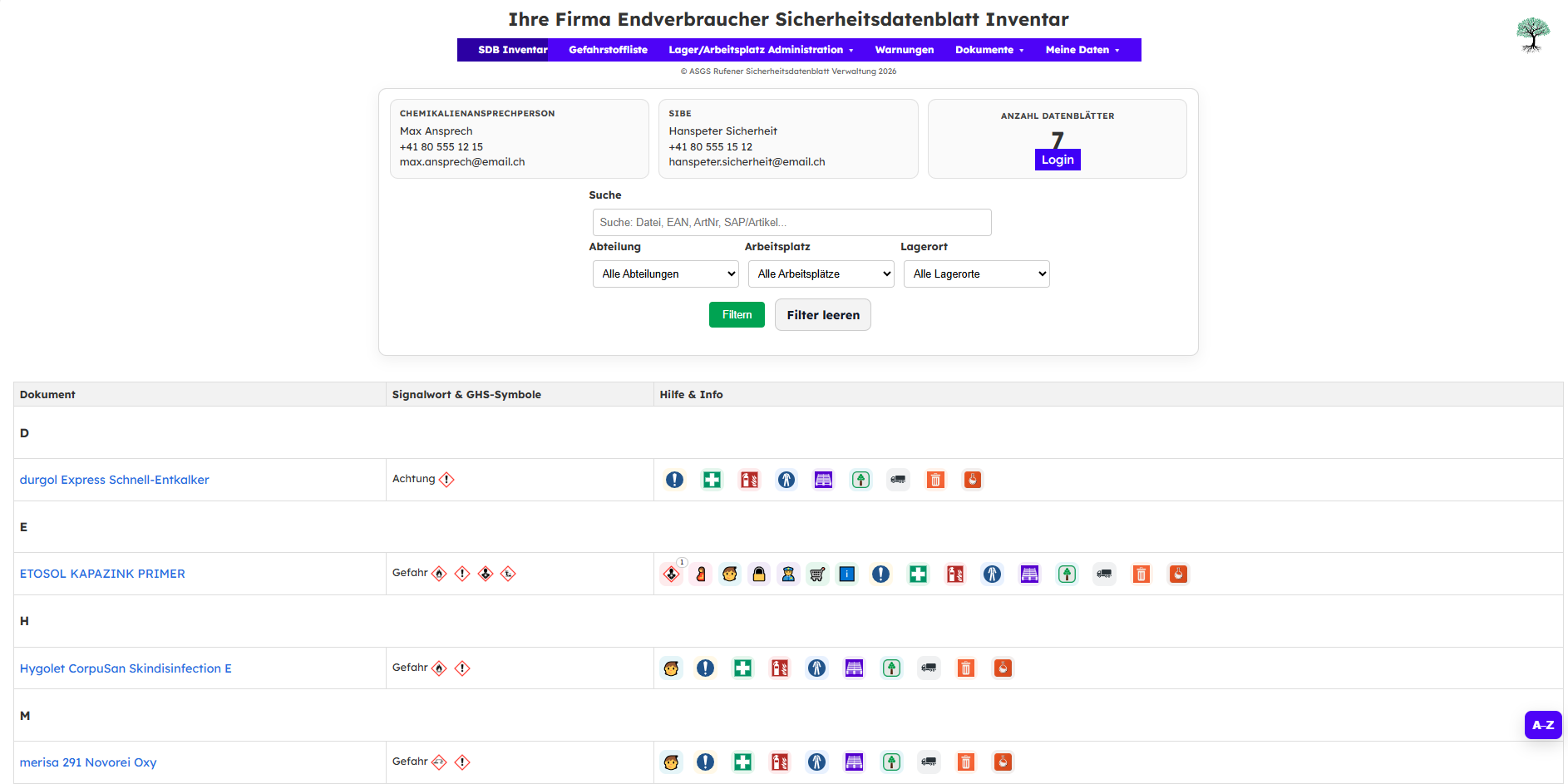
Preview: SDS inventory in the browser (no login)
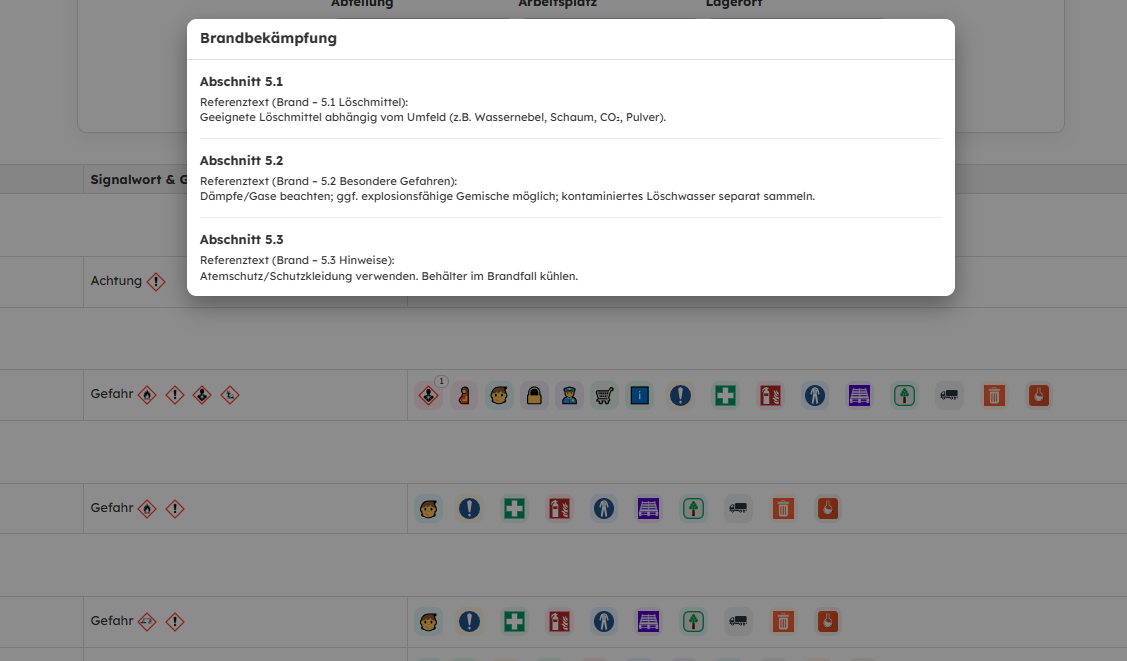
After scanning, employees open the company‑specific SDS inventory directly in the browser. Icons provide one‑click access to relevant SDS information (e.g. fire‑fighting).
Tip: use ←/→ keys when the slider is focused.